

Level 1 - L1 Support
Microsoft 365 user tickets: Outlook, OneDrive, Teams, passwords, MFA. Autonomy in handling routine operations.
30 years of Microsoft expertise. Our team has been providing training on the Microsoft ecosystem for three decades, spanning from the Windows NT era to the latest Intune updates. Our trainers are practitioners, not consultants disconnected from the realities of the field.
Sessions guaranteed with as few as one participant. Registering a staff member? The session is going ahead. There are no cancellations due to insufficient group size. Your training plans stay on schedule.
60% to 80% practical work. With Intune, as with the support training courses, learners work in an environment that replicates their production setup. By the end, they are fully operational—not merely “aware” of the concepts.



Which Intune training course should I choose to get started?
Start with “Microsoft Intune — Device Management” (3 days). To aim for certification: MD-102 (5 days, optional exam included).
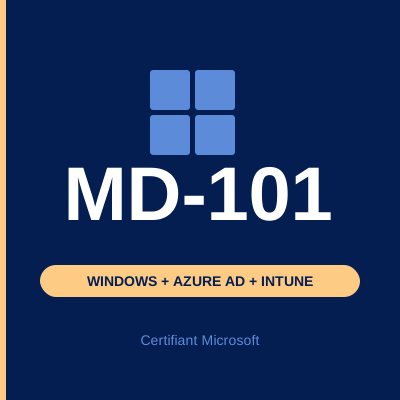
Quelle différence entre MD-101 et MD-102 ?
MD-101 couvre la gestion des terminaux Windows en environnement hybride. MD-102 est la suite : sécurité avancée, mobilité, certification Microsoft 365 Endpoint Administrator.
Are guaranteed sessions really guaranteed?
Yes. All our catalog sessions run with as few as one participant. There are no cancellations due to insufficient group size, barring cases of *force majeure*.
What is the cost of Microsoft 365 training?
The cost is €1,750 (excl. tax) for the 3-day Intune course, and between €2,200 and €3,800 (excl. tax) for the 5-day MD-102 course. In-house training is available upon request. OPCO funding is accepted.
Do you offer a free audit before training?
Yes—a 30-minute phone call to understand your situation and guide your path. No obligation.
An 8-page practical guide, written by our trainers, detailing the steps to take to regain control of your Microsoft 365 environment within three months.